Open this Roblox experience
The Rauls Rivals Modded official game link points to Place ID 121672345218568. Check that number before you join or share a link. The words “RIVALS MODDED” in a title do not identify this experience on their own.
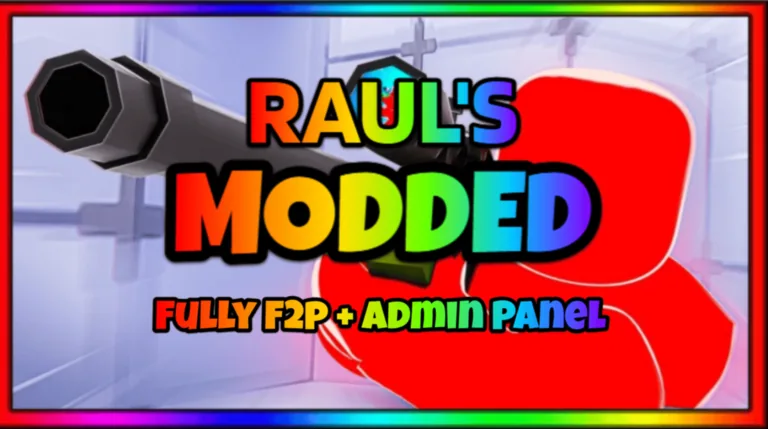
The official description identifies the game as Rauls Rivals Modded and advertises a free-to-play admin panel with free items to unlock. This wiki is an independent guide; the Roblox experience page is where you should check current access and the creator’s displayed information.
Link checked on 2026-09-27. Availability, the displayed title and the description can change.
Verify the destination in a short pass
Check the destination, confirm the experience identity, then open the creator link. A familiar thumbnail should not be your only check.
- Open the linked page on
www.roblox.com. - Read the number after
/games/in the address. - Confirm it is
121672345218568. - Read the current title and description.
- Use the creator link on that same page when checking who published it.
Do not substitute a different numeric ID because another page has similar artwork or also advertises an admin panel. Treat that page as a separate experience and check it separately.
Compare the checks that matter
| What you see | What it tells you | Your next step |
|---|---|---|
| Matching Place ID | You reached the target experience page | Check the current description and access |
| Similar name, different ID | It is a different Roblox experience | Return to the verified link |
| A creator link on the target page | Roblox shows the publisher connection there | Open that link instead of searching a guessed group name |
| A fan guide or gameplay video | It provides third-party commentary | Confirm its play link before applying game-specific instructions |
Follow the creator link on the page. Nearly identical group names do not prove that the groups share an owner or that either group made this game.
Keep this game separate from other RIVALS pages
The original RIVALS and other modded experiences have their own numeric identities. Do not bring over a weapon table, redeem code or reward rule just because the titles share a word.
The official description advertises a free panel and free items for this experience. It does not list every weapon or command. After joining, read the current interface before trying a button or following a progression route intended for a different game.
The beginner guide gives you a first-session checklist once you have the correct page open.
Bookmark and share the page you verified
Bookmark the actual Roblox experience page after checking its ID. Give the bookmark a clear name so you do not confuse it with an original RIVALS guide or a different modded copy.
When a friend asks for the link, send that direct page. Include the Place ID if they are comparing multiple results. They should perform the same check on their device, particularly when a messaging application opens the link inside its own browser.
If the title changes later, use the numeric identity as your comparison point. If an announcement points to a different ID, inspect that new destination and its creator connection rather than silently replacing your old bookmark.
A correct link does not guarantee access
You can reach the right page and still be unable to join. Clicking more search results with similar names will not explain why Roblox is refusing access to the target experience.
Keep the verified page open and note the exact message. Check current availability and the account settings that control experience access. The experience unavailable guide helps separate that problem from a client or connection failure.
FAQ
What is the official Place ID?
It is 121672345218568. The direct Roblox link at the top of this page contains that ID.
Is every RIVALS MODDED result this game?
No. Compare the numeric ID, then the title and creator link. Similar names describe multiple separate experiences.
Is this wiki the developer’s website?
No. This is an independent guide. Use the official Roblox experience page for the displayed creator connection and current game description.
Why does the verified link say unavailable?
A correct destination still requires current experience access. Check the displayed message, availability and account restrictions before trying local gameplay settings.